
Where people quit a quote form
Every quote form has two places where people quietly give up.
The first is right at the start, before they’ve typed anything at all. The second is somewhere in the middle, the moment the form asks them something that obviously has nothing to do with their job. I’ve spent recent Quotify time on both, and they turned out to be the same problem wearing two hats: a form that doesn’t respect the person filling it in.
The blank-page problem
If you’ve ever opened Quotify to build an estimator and then just closed the tab, I get it. A blank form is intimidating in the same way a blank document is — you know roughly what you want, but turning that into the first field is real work, and an empty screen offers no help with it.
So there’s now a template library. Six to begin with — web design, house cleaning, photography, home renovation, event catering, and removals — each one a working estimator you edit rather than invent. Pick the nearest one, change the parts that are specific to you, publish.
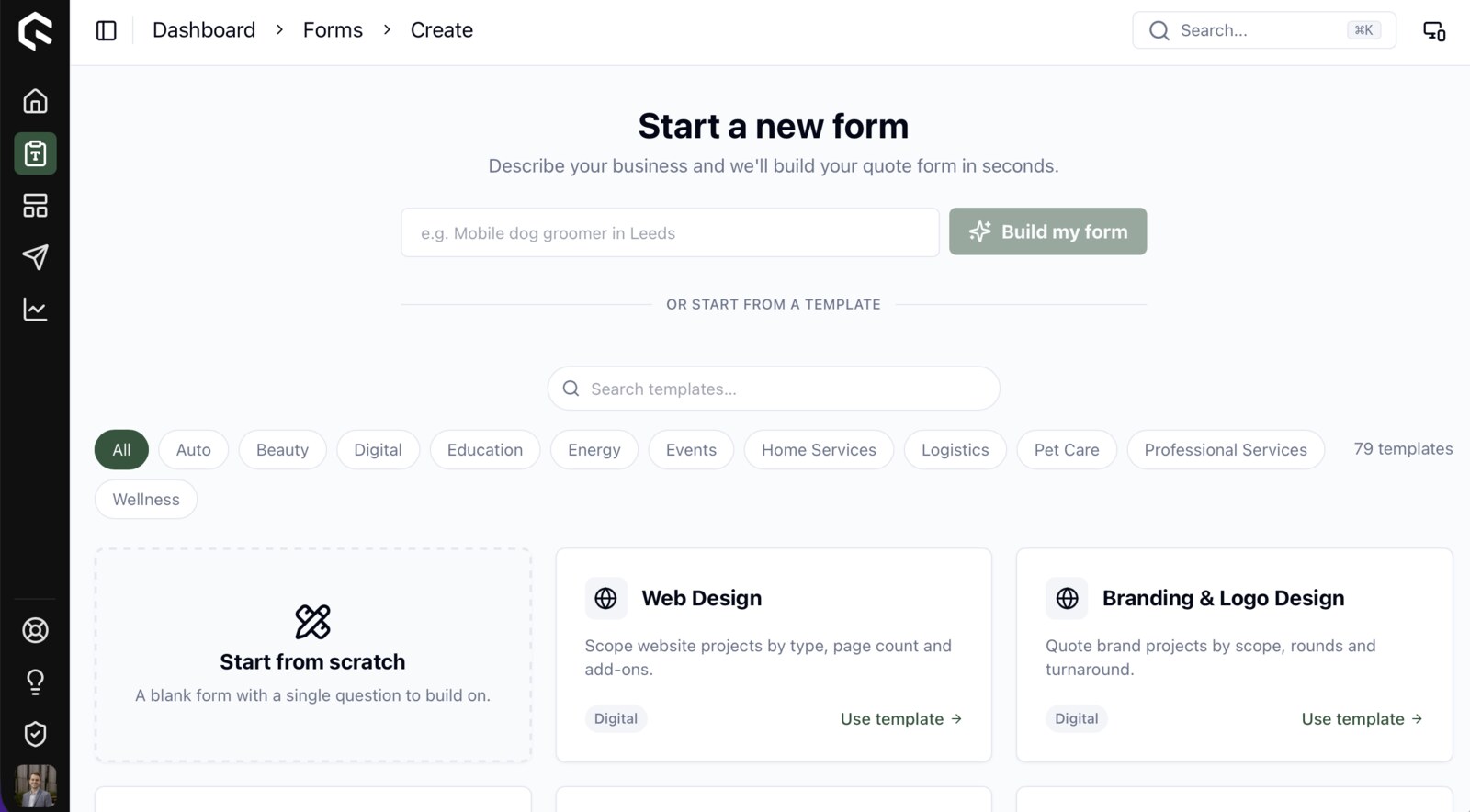
What makes it work isn’t that the templates are clever. It’s that editing is a far easier task than creating from nothing. Editing is something your brain will happily do on a Monday morning; building from a blank page it tends to push back on. And most service businesses quote roughly the same shape anyway — a base service, a few things that move the price, a handful of optional extras — so a small set of templates covers a surprising amount of ground.
The irrelevant-question problem
The second place people quit is mid-form, and it’s almost always because you’ve asked them something that doesn’t apply. Ask someone quoting a one-bed flat clean how many acres of grounds they’ve got, and you’ve told them in a single question that this form wasn’t built for them.
The fix is conditional logic — questions, and whole steps, that only appear when they’re actually relevant. A kitchen quote has no business asking about an island or a larder until it knows the kitchen is big enough to have one. Now it doesn’t.
You set the rules in plain English: pick an earlier answer, choose an operator — equals, greater than, that sort of thing — and set the value. Below the threshold the question stays hidden; above it, it shows up. The form feels shorter to the person working through it, while underneath it’s quietly asking more of the right questions. That second part is what makes the quote at the end of it accurate rather than a guess.
Same enemy
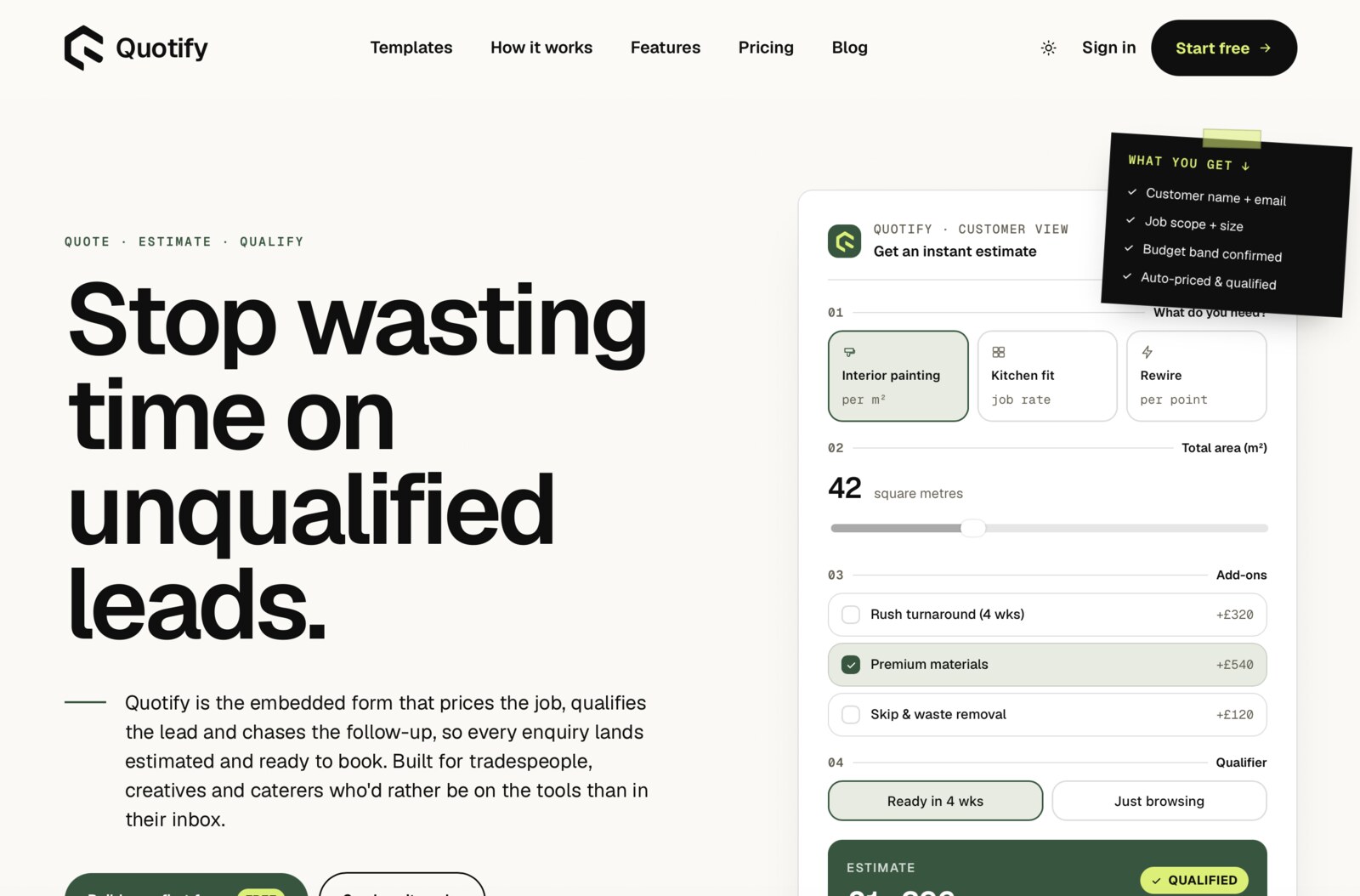
Both of these are really about friction. One strips it out at the start, the other in the middle. Neither is a headline feature — nobody signs up for a tool because it supports conditional logic — but they’re exactly the kind of thing that decides whether someone finishes building an estimator, and whether their customers bother finishing it.
Which is most of the job, honestly. Not piling on more, but quietly closing the little gaps where someone would otherwise give up.
Have a look if you like — quotify.app. The templates are the quickest way in.