
I run a WordPress agency. I rebuilt our site without it.
There’s an awkward admission in here for someone who builds WordPress sites for a living: when it came to rebuilding Prystine’s own site, I didn’t use WordPress.
The cobbler’s kids had no shoes. Our site was a perfectly decent WordPress install that had quietly accumulated more plugins and page weight than a five-page marketing site has any business carrying. It worked. It just wasn’t the thing I’d build if I were starting fresh — and I spend all day telling clients to do exactly that, so it felt about time I took my own advice.
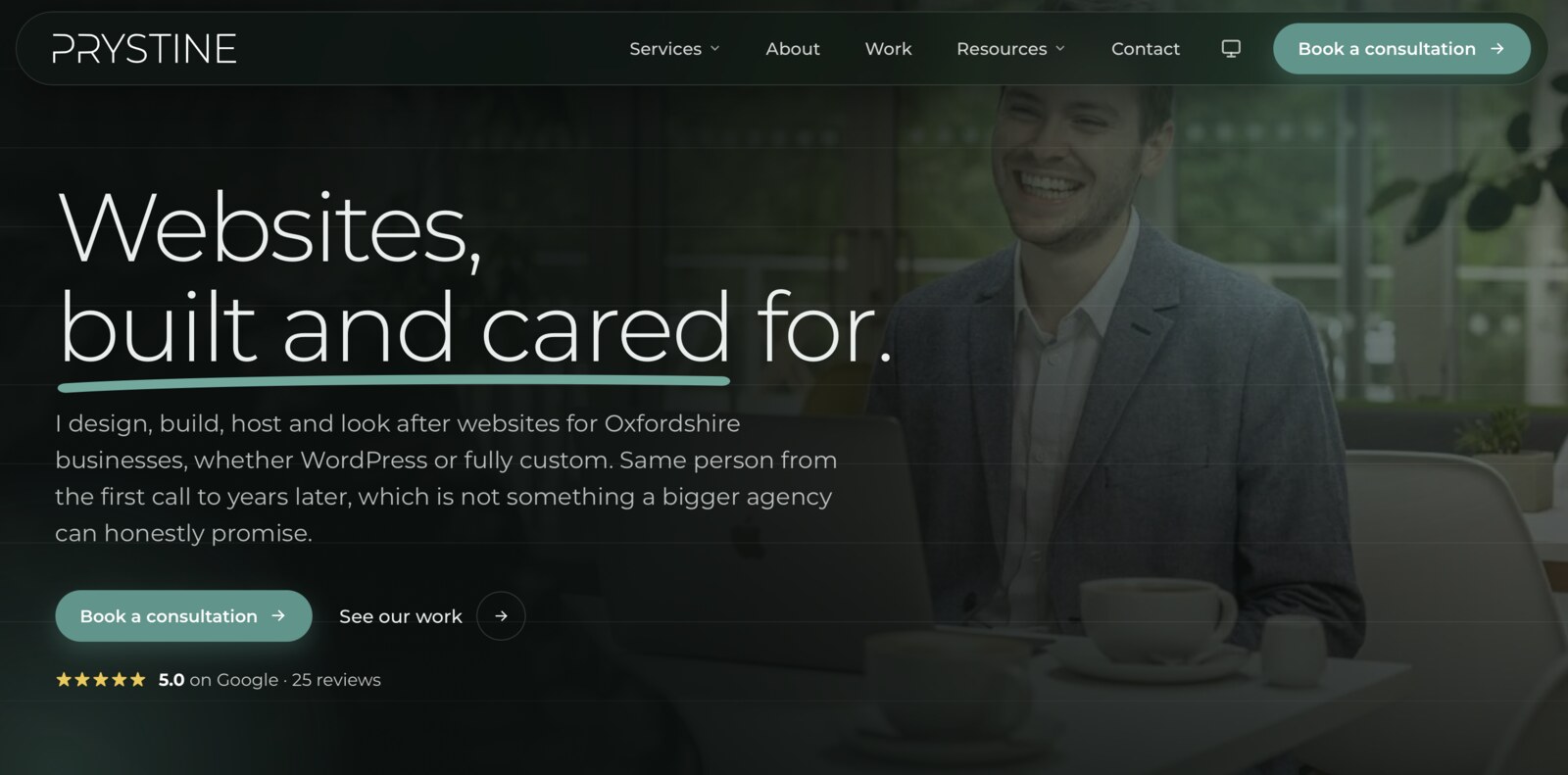
Why not WordPress, from someone who likes WordPress
This isn’t a WordPress pile-on. WordPress earns its place the moment you’ve got non-technical people editing content every day, a shop, memberships, a genuine need for a CMS with an admin and a plugin for everything. Most of what my agency builds is exactly that, and WordPress is the right call for it.
But a marketing site is a different animal. It doesn’t change ten times a day. The words I wrote months ago are the same words today. And yet a traditional WordPress page is reassembled from scratch — server boots up, PHP runs, database gets queried — every single time someone visits, just to hand back content that hasn’t moved. For a busy store, fair enough. For a brochure site, it’s a lot of machinery to show everyone the same paragraph.
Once you say it out loud, it sounds faintly absurd. So I stopped doing it.
Do the work once
The model I moved to is static site generation, via Astro. The difference is simple: the pages get built into plain HTML once, at deploy time, and then just served. No database call when you hit the homepage. No PHP assembling anything on the fly. Just a file, sitting on Cloudflare’s edge network, handed to you from somewhere geographically close.
Three things fall out of that, more or less for free:
- Speed. You’re being served a static file from the edge. There’s almost nothing between the request and the response.
- Cost. No always-on server, no database to keep alive. Hosting a pile of static files costs close to nothing.
- Security by absence. There’s no live admin login or database sitting on the public site for bots to rattle the handle on. You can’t break into a login page that doesn’t exist.
That last one is underrated. A huge share of WordPress security work is defending surfaces that, on a static site, simply aren’t there.
”But what about the dynamic bits?”
This is the question every developer asks next, because some things genuinely do need a server — the contact form, the support form, the instant-quote tool. They didn’t go away. They run as small serverless functions that only execute when someone actually uses them.
That’s the part the old setup got backwards. The entire site behaved as though it were dynamic, all the time, on the off chance one form needed submitting. Now the static stuff is static and the dynamic stuff is dynamic, and each is only doing work when there’s work to do.
What the rebuild actually scored
I’m wary of vanity metrics, but the numbers are a fair shorthand for “did the approach work.”
Lighthouse — Google’s quality audit — comes back at 100 for Performance, Best Practices and SEO on desktop, with 95 for Accessibility. On mobile, where staying quick is genuinely harder, Performance still lands at 94 and the rest hold. For a site doing real work, that’s the static approach paying out.
The one I’m quietly more pleased about is carbon. The site scores an A+ on Website Carbon — cleaner than most pages they test. It’s not a separate effort; it’s a side effect of everything above. Less page weight, fewer requests, renewable-powered hosting. A fast site and a low-carbon site turn out to be nearly the same site, which is a convenient coincidence.
The honest takeaway
The old site wasn’t broken. That’s the point worth making — this wasn’t a rescue job, it was a “practise what you preach” job. The new one is faster, leaner, cheaper to run and has less to defend, and the reasoning behind it is the same reasoning I bill clients for.
If you build on one stack by default, it’s worth occasionally asking whether the default actually fits the job in front of you. Sometimes the answer is the tool you sell. Sometimes, even for a WordPress person, it isn’t.
(For the record, this site runs on the same Astro-on-Cloudflare setup. I’m not just recommending it — I’m living in it.)